
Description
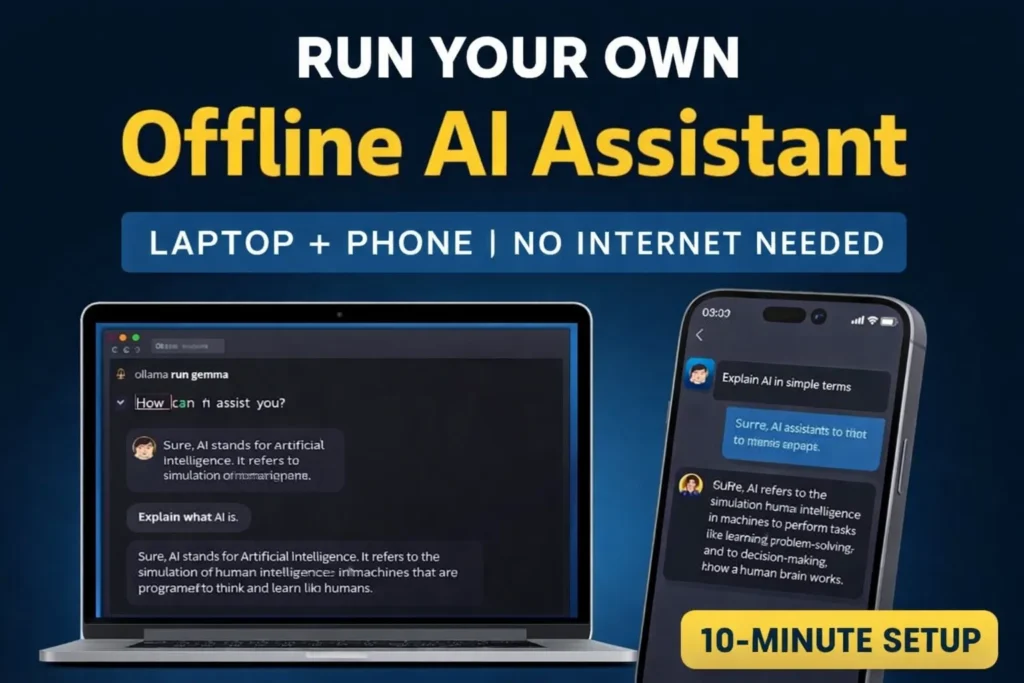
Run your own offline AI assistant using Gemma and Ollama in under 10 minutes. Full privacy, zero subscriptions, and works seamlessly on laptop and phone.
💡 Introduction: Your AI, Your Rules
What if your AI worked without internet, subscriptions, or sending your data to the cloud?
That’s exactly what an offline AI assistant gives you.
Most AI tools today rely on servers. Every prompt you send travels across the internet, which can lead to:
- Slower responses
- Privacy concerns
- Monthly subscription costs
With Gemma, you can run AI directly on your device and build your own private AI system in minutes.
👉 In this guide, you’ll learn how to:
- Run AI locally on your laptop
- Access it from your phone
- Use it for real-world tasks
- Understand its advantages and limitations
🤖 What Is Gemma and Why It Matters
Gemma is a lightweight AI model developed by Google that runs directly on your device instead of the cloud.
Unlike typical AI tools, it doesn’t depend on external servers once installed.
This makes it perfect for anyone who wants a private AI setup without ongoing costs.
🔄 Why Local AI Is Better Than Cloud AI
A local AI setup gives you full control over your data and performance.
Unlike cloud-based tools, it works anytime—even without internet access.
| Feature | Local AI (Gemma) | Cloud AI |
|---|---|---|
| Internet Required | ❌ No | ✅ Yes |
| Privacy | ✅ Full | ❌ Limited |
| Cost | ✅ Free | ❌ Subscription |
| Speed | ⚡ Instant | ⏳ Server dependent |
🔐 Benefits of Running Your Own AI Locally
🔒 Total Privacy
Your data stays on your device. No tracking or sharing.
⚡ Instant Performance
No waiting for servers or rate limits.
💸 Zero Cost
Once installed, there are no recurring charges.
📱 Works Across Devices
Use your laptop as the main system and access it from your phone.
🧠 Real-Life Use Cases
You can use this setup every day:
- Write professional emails
- Summarize documents
- Generate ideas and plans
- Help kids with homework
- Draft meeting notes
👉 If you’re exploring more AI tools, check this guide:
https://www.lifeintechmode.com/gemini-free-personal-intelligence-gmail/
👨💻 Who Should Use This?
- Students
- Professionals
- Developers
- Anyone who values privacy
⚙️ System Requirements
Minimum Setup
- 8GB RAM (16GB recommended)
- macOS / Windows / Linux
- Internet (only for setup)
Recommended
- SSD storage
- GPU (optional)
🛠️ Step-by-Step Guide: Run Gemma on Your Laptop
Step 1 – Install Ollama
Go to: https://ollama.com
Download and install it like a normal application.
Step 2 – Run the Model
Open Terminal (or Command Prompt) and type:
ollama run gemma
That’s it.
👉 Your AI is now running locally.
Step 3 – Try Your First Prompts
Start with:
- “Explain AI in simple terms”
- “Write a leave email”
- “Create a weekly plan”
You’ll get fast responses without needing internet.
📱 How to Use It on Your Phone
Option 1: Connect via Laptop (Recommended)
- Run Ollama on your laptop
- Connect phone to same Wi-Fi
- Access via browser
👉 Your phone becomes a portable interface.
Option 2: Run Directly on Phone
Possible if:
- You have a high-end device
- You use smaller models
This is improving quickly.
🚀 Pro Tips to Make It More Powerful
To enhance your setup:
- Use personal documents
- Add notes and files
- Build your own knowledge base
👉 This can become:
- A private ChatGPT alternative
- A personal assistant
- A productivity system
⚠️ Limitations (Honest View)
❌ What It Can’t Do
- Not as powerful as advanced cloud AI
- Depends on your hardware
- No real-time internet updates
✅ Why It’s Still Worth It
- Full control
- Strong privacy
- No subscription cost
🔮 The Future of Personal AI
We are moving toward a world where:
- AI runs on personal devices
- Privacy is the default
- Everyone owns their AI tools
This shift is already happening.
🧠 Final Thoughts
Most people will use AI.
But a smaller group will control their own systems.
Once you start using an offline AI assistant, it becomes your personal advantage.
👉 It all starts with one command:
ollama run gemma
Try it today—you’ll immediately feel the difference.
❓ FAQs
Can I run AI without internet?
Yes. Once installed, it works offline.
Is Gemma free?
Yes, for local use.
Do I need coding skills?
No. Basic terminal usage is enough.
Can I use it on my phone?
Yes, via Wi-Fi or directly on some devices.
Is it secure?
Yes. Your data stays on your device.
🔗 Related Article
You can also explore how AI is evolving across devices here:
https://www.lifeintechmode.com/claude-dispatch-phone-run-pc/