
Introduction
The debate of eSIM vs Physical SIM is everywhere now. The latest iPhones in the US have removed the SIM tray entirely, and travel influencers are constantly promoting digital data packs. It is tempting to ditch that tiny piece of plastic for good.
I felt the same way. But after testing eSIMs for travel, using them on my main number, and dealing with a few tech headaches, I’ve come to a balanced conclusion:
eSIMs are excellent technology—but only when used for the right purpose.
If you use them incorrectly, you could find yourself locked out of your bank account for 24 hours. This guide explains the hidden risks of eSIMs, why the “OTP Block” is a real problem, and the specific setup I use to stay connected safely.
I learned this the hard way — at the worst possible moment.
Standing in an airport, trying to log in to my bank app, watching the OTP screen refresh again and again — and nothing arrived. No error. No warning. Just silence.
That was the moment I realized something most people aren’t warned about when switching to eSIM: OTP delivery can fail in real-world situations — and when it does, it can lock you out of critical services like banking and payments.
TL;DR – Quick Answer
- eSIM is excellent for travel and secondary numbers
- Physical SIM is safer for banking & OTPs
- ✔ Best setup: Physical SIM (main) + eSIM (travel)
What Is an eSIM? (Simply Explained)
An eSIM (embedded SIM) is a digital chip built directly into your phone’s motherboard.
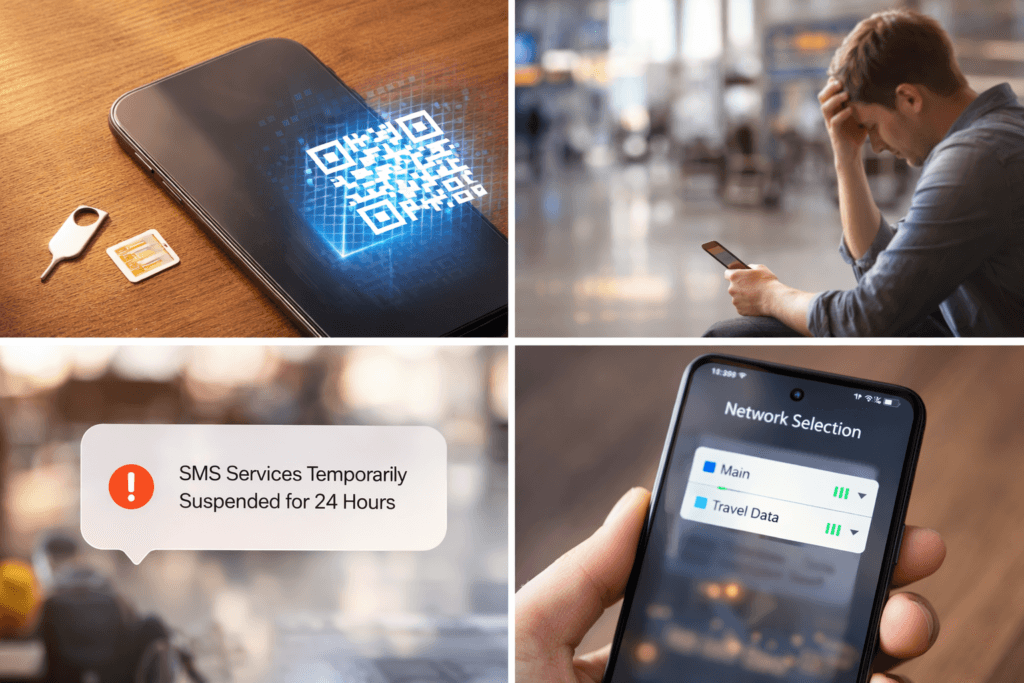
Instead of hunting for a paperclip to pop open a tray and insert a plastic card, you activate your mobile plan by downloading a “profile”—usually by scanning a QR code provided by your carrier or using their app.
Once activated, it behaves exactly like a normal SIM for:
- Calls
- SMS Texting
- 4G/5G Mobile Data
The difference isn’t how it works; it is how you manage it when things go wrong.
The “Hybrid Setup”: The Best of Both Worlds
Before we get into the risks, let’s look at the smartest way to use this technology. Most modern phones (iPhone XR and later, Samsung S20 and later) are Dual SIM. This means they can hold one physical SIM and multiple eSIMs simultaneously.
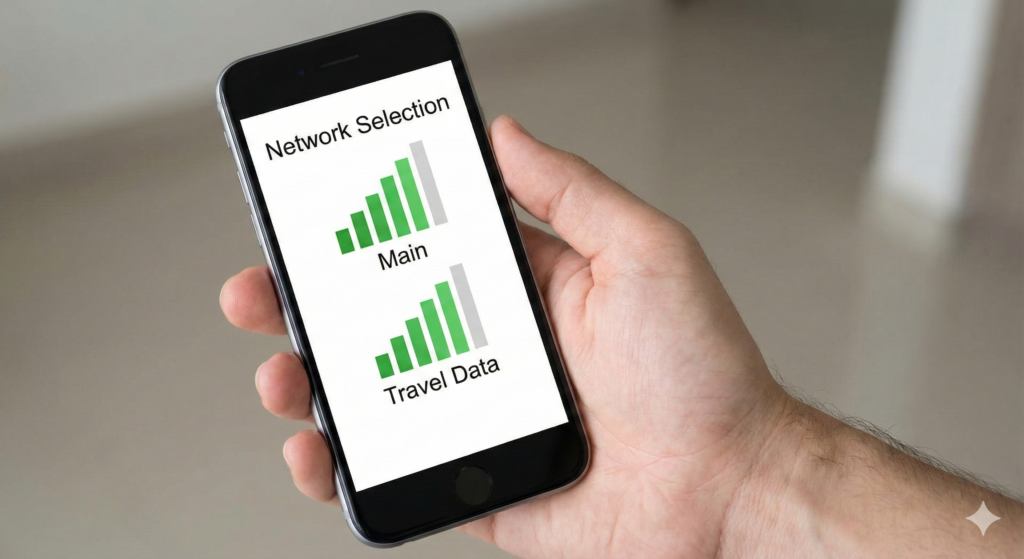
My Recommended Setup:
- Physical SIM: Use this for your Main Number (Calls, SMS, WhatsApp, Banking).
- eSIM: Use this for Travel Data or temporary burner numbers.
Why? Because eSIMs are unbeatable for travel, but Physical SIMs are still king for reliability.
Why eSIM is Unbeatable for Travel ✈️
If you are planning a holiday, do not buy a physical SIM at the airport. It is almost always a rip-off.
This is where eSIM shines. You can:
- Buy a data plan online days before you fly (Apps like Airalo or Holafly are popular trends right now).
- Install it while sitting on your couch.
- The moment the plane lands, your data turns on.
💰 Money Saving Tip: Traditional roaming can cost $10/day. A travel eSIM usually costs $10–$15 for the whole trip. This is the biggest money-saving hack in travel tech right now.
The Hidden Risk: The 24-Hour OTP Block 🚨
This is the part the marketing ads don’t tell you.
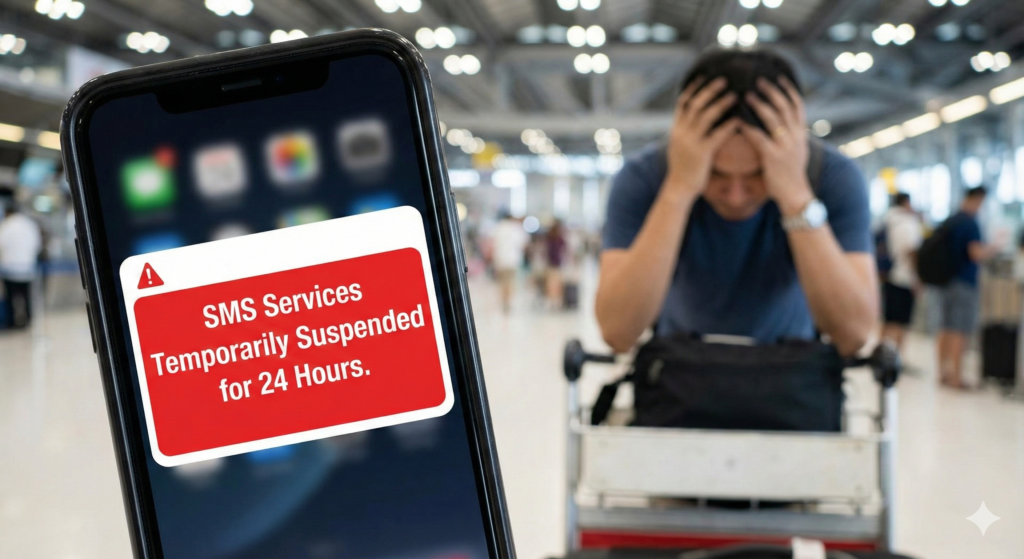
If you transfer your main number from a physical SIM to an eSIM, or if you move your eSIM from an old phone to a new one, you might trigger a security lockout.
What Happens?
Many mobile carriers impose a temporary SMS block (often 24 to 48 hours) after a SIM change. This is a security measure to prevent “SIM Swap Fraud” (where hackers steal your number).
While the intention is good, the result for you is painful. During this “cooling off” period:
- Banking OTPs (One-Time Passwords) will not arrive.
- Credit card transaction alerts fail.
- Two-factor authentication for email or work apps may break.
- WhatsApp verification codes won’t come through.
If you are overseas and your phone breaks, and you try to download your eSIM to a backup phone, you might be digitally stranded without access to your bank for a full day.
Warning: With a physical SIM, if your phone breaks, you just pop the card out and put it in a friend’s phone. You are back online in 10 seconds. You cannot do that with an eSIM.
Comparison: eSIM vs. Physical SIM
Here is a quick breakdown to help you decide.
| Feature | Physical SIM 💳 | eSIM 📲 |
| Setup | Requires store visit or shipping | Instant digital download |
| Phone Switching | Easy (Swap and go) | Hard (Requires carrier authorization) |
| Travel Convenience | Low (Need to find a shop) | High (Download before you fly) |
| Lost Phone Risk | You lose the SIM | You can recover number remotely |
| OTP Reliability | High | Risk of 24h block on transfer |
| Best For… | Main Number | Travel / Data Only |
When to Use Which?
✅ Use eSIM When:
- You are traveling: Download a data pack to avoid roaming fees.
- You need a second line: Great for a temporary work number or dating app number that you can delete later.
- You have an iPhone 14/15/16 (US Model): You have no choice; these phones are eSIM only.
⚠️ Keep a Physical SIM When:
- It’s your “Forever” Number: If your number is linked to your government ID, bank, and primary email, keep it on plastic.
- You change phones often: If you review tech or upgrade yearly, physical SIMs save you hours of setup time.
- You are going off-grid: If your phone dies or breaks in a remote area, you can put your physical SIM into a cheap burner phone. You can’t download an eSIM profile on an old Nokia.
Why OTPs Can Fail on eSIM
- Roaming SMS Restrictions
When using an eSIM abroad, SMS delivery depends on roaming agreements. Some networks prioritize data traffic but delay or block inbound SMS. - Temporary SMS Blocks After SIM Changes
Many carriers automatically block SMS for 24–48 hours after SIM or eSIM changes as a fraud-prevention measure. - Bank Security Filters
Banks may silently block OTPs when they detect logins from foreign networks or recently provisioned eSIM profiles. - Dual SIM Network Confusion
On dual-SIM phones, OTPs may arrive on the wrong SIM or fail if the primary line is not set correctly for SMS.
Before Switching to eSIM – Do This First
✔ Keep your physical SIM active for banking and OTPs
✔ Test bank OTP delivery before traveling
✔ Enable app-based authentication where available
✔ Save bank helpline numbers offline
✔ Avoid switching SIMs during critical financial activity
This setup has saved me from multiple OTP lockouts while traveling and has kept my banking access reliable.
The Verdict: Don’t Go 100% Digital Yet
eSIM is the future. Eventually, transferring a number between phones will be as easy as logging into Netflix.
But right now, the carrier systems are too rigid. The risk of being locked out of banking apps due to SMS cooling periods is too high for a primary number.
LifeInTechMode Advice:
Keep your main life on the Physical SIM. Use the eSIM to save money on travel data. That is the smartest way to stay connected in 2026.
After testing both setups extensively, I now treat eSIM as a powerful travel tool — not a replacement for my primary banking SIM.
Frequently Asked Questions
Does eSIM affect OTP delivery?
eSIM itself does not block OTPs. However, roaming conditions, SMS filtering, and bank security checks can delay or prevent OTP delivery in certain situations.
Can banks block SMS OTP on eSIM?
Banks do not block eSIM specifically, but recent SIM changes, foreign network access, or unusual login patterns can trigger temporary OTP restrictions.Some carriers temporarily block SMS (including OTPs) for up to 24 hours after eSIM activation or reissue to prevent fraud.
Is a physical SIM safer for banking OTP?
In practice, yes. Physical SIMs tend to be more stable for SMS delivery within your home country, making them safer for critical banking access.
Should I keep my physical SIM when using eSIM?
Yes. The safest approach is to use eSIM for travel data and keep your physical SIM exclusively for banking, OTPs, and important communications.
Is eSIM safer than a physical SIM?
eSIM is safer against physical theft because it cannot be removed from the phone. However, recovery can be more complex if your device is lost or damaged, as reactivation depends on carrier processes and identity verification.
Can I use WhatsApp with a travel eSIM?
Yes! You can keep your “Main Number” active for WhatsApp while using the “Travel eSIM” for data. WhatsApp will simply ask if you want to keep your existing number—select “Yes.”. This setup works reliably as long as you do not re-register WhatsApp with a new number.
Can I recover my eSIM if my phone is lost or broken?
It depends on your carrier. Some allow remote re-download, others require in-store verification. This process can take hours or days, especially if you are overseas.
If you travel often, also read our guide on saving money with travel tech.